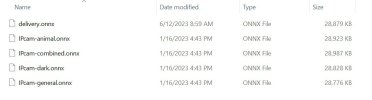
Ken said the issue with icon being a check mark will be fixed on 6.0.1.4. It only shows up if you were using CPAI on 6.0.1.3 and Not BI's AI. So going to check all my settings now as going from CPAI to BI AI is not just one setting involved. So currently I have 12 cams using AI along with these settings. I did find that 4 of my cams that DO NOT use AI had some boxes checked " Additional Models and Facial recognition" As soon as I unchecked those my memory dropped. So it is very important to go through every cam's AI settings. Now I like it  For reference here are what all my AI cams are set to:
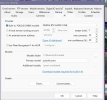
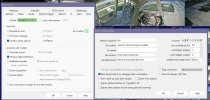
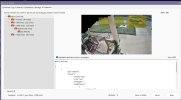
For reference here are what all my AI cams are set to: