Having security cameras installed is important, but problems can happen when a CCTV system is not properly configured or maintained. Here are some common issues property owners face:
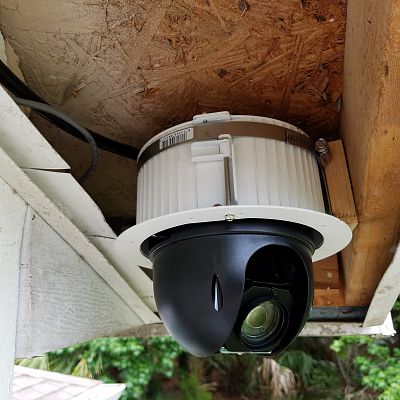
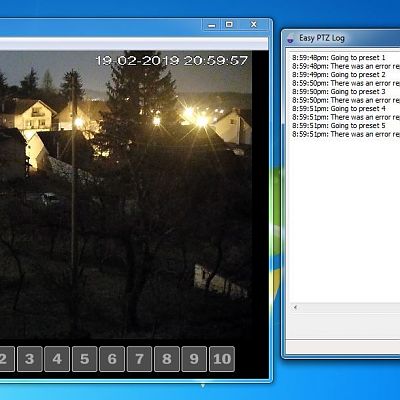
Camera Shows No Picture
This can be caused by loose connections, power issues, damaged cables, or network problems. Check the power supply and connections first. If the problem continues, professional troubleshooting may be needed.
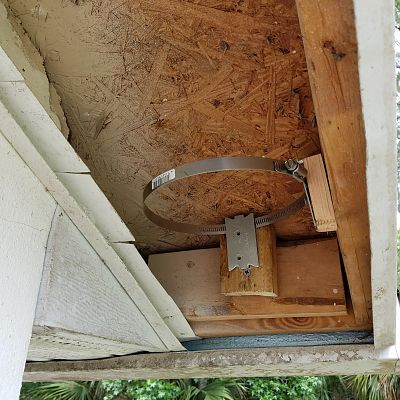
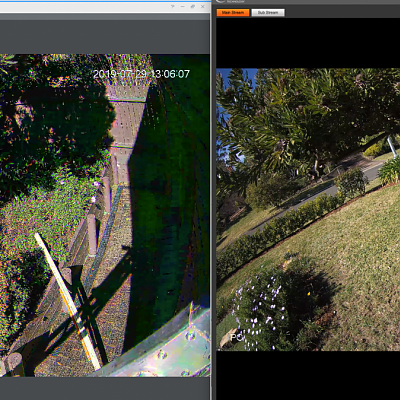
Blurry or Poor-Quality Video
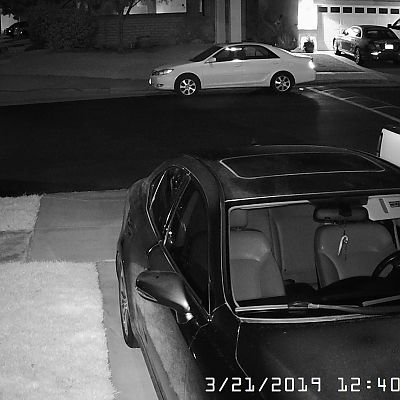
A dirty camera lens, incorrect focus, poor lighting, or outdated equipment can affect image quality. Cleaning the lens and adjusting the camera settings can often help. Older cameras may need an upgrade.
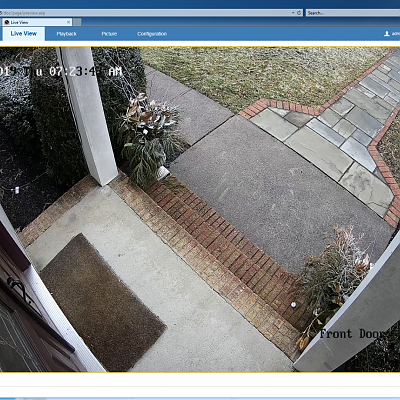
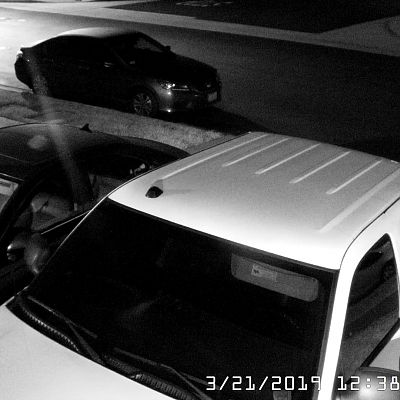
Night Vision Not Working Properly
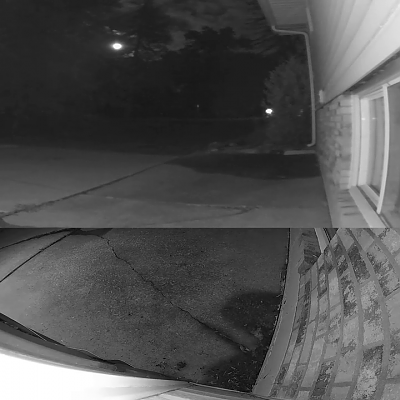
Poor nighttime footage can result from incorrect camera placement, lighting conditions, or damaged infrared LEDs. Repositioning the camera or upgrading to a better low-light camera can improve nighttime visibility.
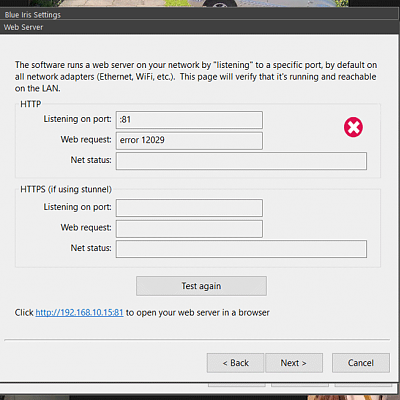
Cameras Keep Going Offline
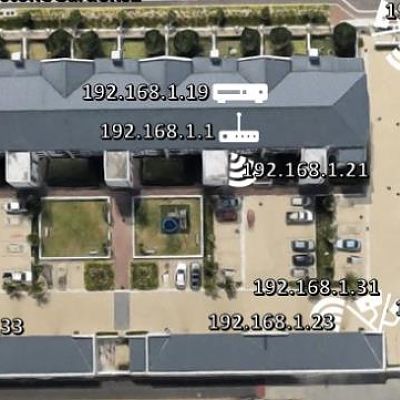
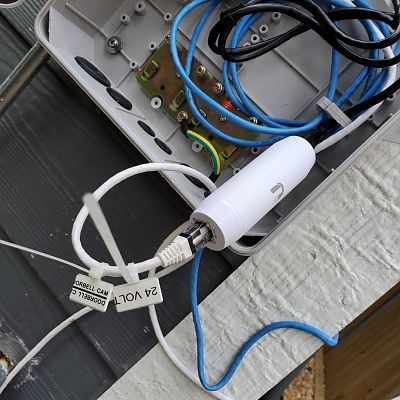
Network interruptions, weak connections, faulty cables, or power problems can cause cameras to disconnect. Checking the network and PoE connections can help identify the issue.
Recording Stops or Storage Is Full
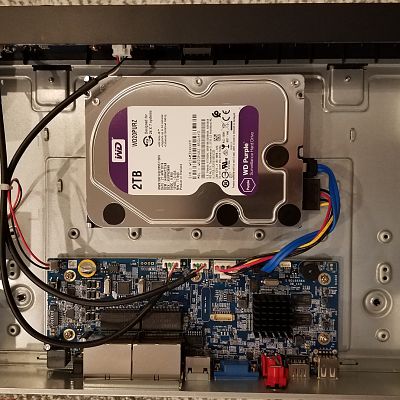
When NVR/DVR storage becomes full or a hard drive develops a problem, recording may stop. Reviewing storage settings, replacing a faulty drive, or upgrading storage can help maintain continuous recording.
Can't View Cameras on Your Phone
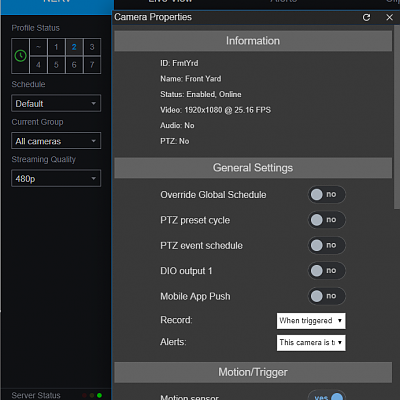
Incorrect app settings, network changes, or login issues can prevent remote viewing. Reconfiguring the mobile app and network connection can restore access.
Camera Shows No Picture
This can be caused by loose connections, power issues, damaged cables, or network problems. Check the power supply and connections first. If the problem continues, professional troubleshooting may be needed.
Blurry or Poor-Quality Video
A dirty camera lens, incorrect focus, poor lighting, or outdated equipment can affect image quality. Cleaning the lens and adjusting the camera settings can often help. Older cameras may need an upgrade.
Night Vision Not Working Properly
Poor nighttime footage can result from incorrect camera placement, lighting conditions, or damaged infrared LEDs. Repositioning the camera or upgrading to a better low-light camera can improve nighttime visibility.
Cameras Keep Going Offline
Network interruptions, weak connections, faulty cables, or power problems can cause cameras to disconnect. Checking the network and PoE connections can help identify the issue.
Recording Stops or Storage Is Full
When NVR/DVR storage becomes full or a hard drive develops a problem, recording may stop. Reviewing storage settings, replacing a faulty drive, or upgrading storage can help maintain continuous recording.
Can't View Cameras on Your Phone
Incorrect app settings, network changes, or login issues can prevent remote viewing. Reconfiguring the mobile app and network connection can restore access.