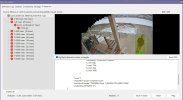
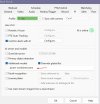
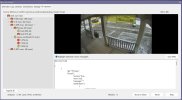
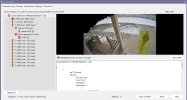
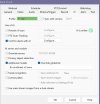
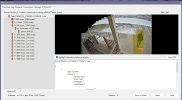
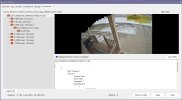
You can download my custom models from the below link

 github.com
[6.0.1.24] – 2026-1-23
Added
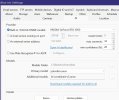
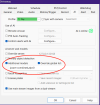
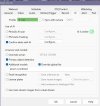
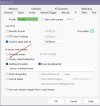
• Support for custom models using the built-in AI. The model must be an object
detection model with an ONNX extension and either the Yolo5, 8 or 10 format.
Anything else may cause hanging or instability; please send the model to support for
analysis if you are unsure.
Fixed
• A potential code ambiguity regarding use of global custom models and camera
overrides
Blue-Iris-Custom-AI-Models/Custom-YOLOv5 at main · MikeLud/Blue-Iris-Custom-AI-Models
Blue Iris custom AI models. Contribute to MikeLud/Blue-Iris-Custom-AI-Models development by creating an account on GitHub.
github.com
[6.0.1.24] – 2026-1-23
Added
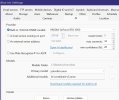
• Support for custom models using the built-in AI. The model must be an object
detection model with an ONNX extension and either the Yolo5, 8 or 10 format.
Anything else may cause hanging or instability; please send the model to support for
analysis if you are unsure.
Fixed
• A potential code ambiguity regarding use of global custom models and camera
overrides