Hi all,
I have Blue Iris release 5.9.4.5 release from 2024.
I am out of 1-year period of free upgrades, but everything works fine on that version, so I did not bother.
However having learned that a new release 6 is available, I decided it is time to pay for the new version.
Before purchasing 6 I downloaded the evaluation.
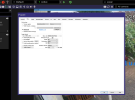
However the interface looks like there are issues with scaling.
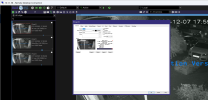
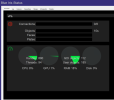
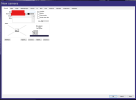
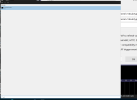
See example screenshots:
1 - from BI 5.9.4.5 (normal)
2 - BI 6 (issues with scaling of UI)
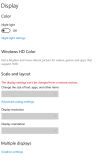
I suspect this is related to the fact it is a VM, with no physical graphics card (WIndows Server 2022 as Proxmox VM).
Googling did not help much, looks not many had this issue.
But the old version works perfectly in exactly the same setup.
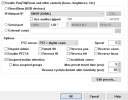
5.9.4.5:
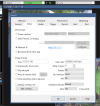
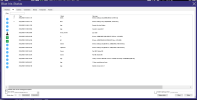
6:
I have Blue Iris release 5.9.4.5 release from 2024.
I am out of 1-year period of free upgrades, but everything works fine on that version, so I did not bother.
However having learned that a new release 6 is available, I decided it is time to pay for the new version.
Before purchasing 6 I downloaded the evaluation.
However the interface looks like there are issues with scaling.
See example screenshots:
1 - from BI 5.9.4.5 (normal)
2 - BI 6 (issues with scaling of UI)
I suspect this is related to the fact it is a VM, with no physical graphics card (WIndows Server 2022 as Proxmox VM).
Googling did not help much, looks not many had this issue.
But the old version works perfectly in exactly the same setup.
5.9.4.5:
6: