Hello all, decided to revive my NVR solution after some rather annoying experiences with our local security firm. ( Prices )
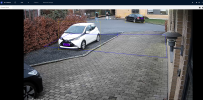
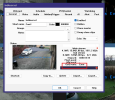
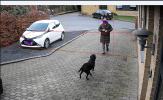
Well I have set up BI, removed auth in network settings on cam ( just testing one in BI demo ), I can see the intrusion zone go from blue to red as the wife and dog enters. Som camera fires
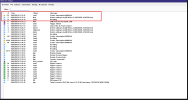
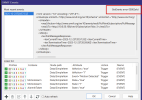
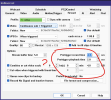
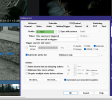
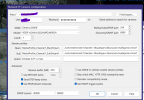
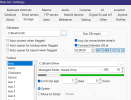
I have get onvif turned on, I have continious + sub on, no motion only get external and onfiv under alert.
I dunno whats going on. Is my firmware too old on andys cams? ( 4 years old app )
I have 8 EmpireTech IPC-T54IR-ZE-S3
Worked like a charm years ago - was set and forget
Any help is greatly appreciated
Happy new year to all
Brgds
Henrik
Well I have set up BI, removed auth in network settings on cam ( just testing one in BI demo ), I can see the intrusion zone go from blue to red as the wife and dog enters. Som camera fires
I have get onvif turned on, I have continious + sub on, no motion only get external and onfiv under alert.
I dunno whats going on. Is my firmware too old on andys cams? ( 4 years old app )
I have 8 EmpireTech IPC-T54IR-ZE-S3
Worked like a charm years ago - was set and forget
Any help is greatly appreciated
Happy new year to all
Brgds
Henrik