New CodeProject.AI Object Detection (YOLO11 .NET) Module

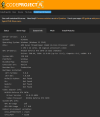
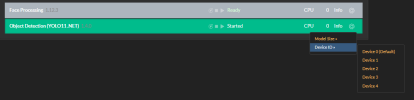
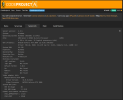
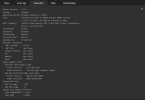
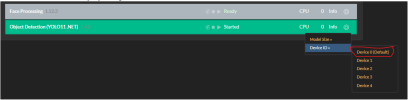
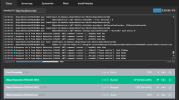
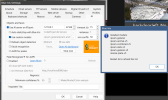
I'm either doing something wrong or have an issue. I had only intel graphics for sometime and used that. I recently got an Asus RTX 5080 8GB graphics card but it doesn't seem to be using it correctly unless I disable the intel graphics (in device manager). See attached pics of when the intel graphics is enabled it takes 200-300ms usually but when I disable the intel graphics it then speeds up to around 40-50ms. And from what i can see I have the correct "0" graphics selected but doesn't appear to be using it. Any ideas or suggestions?
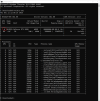
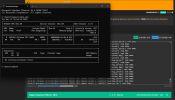
Open up a command prompt and run nvidia-smi and see what GPU ID shows there, the below shows GPU ID is 0

1765476003524.png
 
Open up a command prompt and run nvidia-smi and see what GPU ID shows there, the below shows GPU ID is 0

First I forgot to re enable the Intel. Then after I did the detection time didn't seem to change or go up (working as its supposed to now). My guess I need to reboot the system then recheck to see what it shows. But it's showing zero right now in the cmd and its working as it should with both enabled. I'll let you know if that changes after a reboot and then I guess my next step would be to adjust the CPAI gpu to match the CMD GPU ID.

Thanks,
 
So after enabling the intel BI stopped reporting AI detections, so i rebooted the system and it started working again but like before. Its using intel again and times are high and cmd shows no processes and still GPU 0.
 

Attachments

  • 1.png
    1.png
    120.4 KB · Views: 6