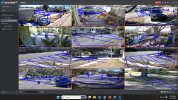
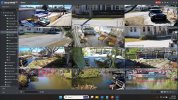
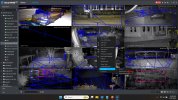
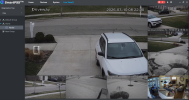
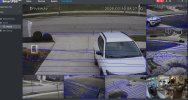
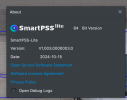
Yep got that on the newest Smart PSS Light and previous release. It's seems any camera with IVS or meta data capable, shows the red boundary. I'll investigate.
Yes indeed, just checked.
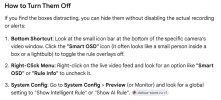
Untick " Show IVS Rule" and red boundaries disappear as well as IVS rules!
I personally use intrusion detection within a defined area. So no problems, with delightful red boundaries.
Excellent well done it works for me with option 2. I'll keep it as standard with the Smart detection box, quite like the red boundary now.
Should be an option within main settings anyway. So not to repeat for each camera view.
#3 is what does it for all cameras - Previous versions had the same checkbox/control,
I was well aware of how to disable IVS display. They just didnt have the annoying red outlines in previous versions.
Not sure what they add ? Seems redundant at best.