Went pretty smooth. I did the backups and copied my license down.... but simply downloading the latest version and doing the install was all automatic.
The only hiccup was I forgot how to set BI6 as a "service" but figured it out. Then the AI wasn't working until I checked the "use local AI" box. I downloaded the AI files, but it was
unnecessary, they were already installed. I then deleted Code Project AI.
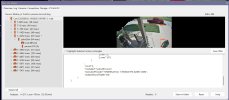
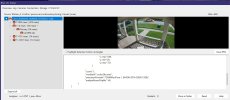
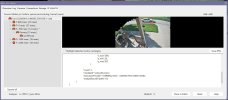
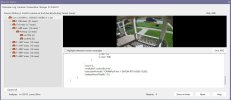
So far, the AI works better for detecting motion/cars/people, etc. The UI also give the proper Icon (person, vehicle, animal, etc) where as before I had a lot of alerts showing with no icons.
All in all, I like ver 6.
The only hiccup was I forgot how to set BI6 as a "service" but figured it out. Then the AI wasn't working until I checked the "use local AI" box. I downloaded the AI files, but it was
unnecessary, they were already installed. I then deleted Code Project AI.
So far, the AI works better for detecting motion/cars/people, etc. The UI also give the proper Icon (person, vehicle, animal, etc) where as before I had a lot of alerts showing with no icons.
All in all, I like ver 6.