Hello!
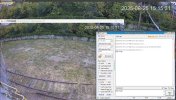
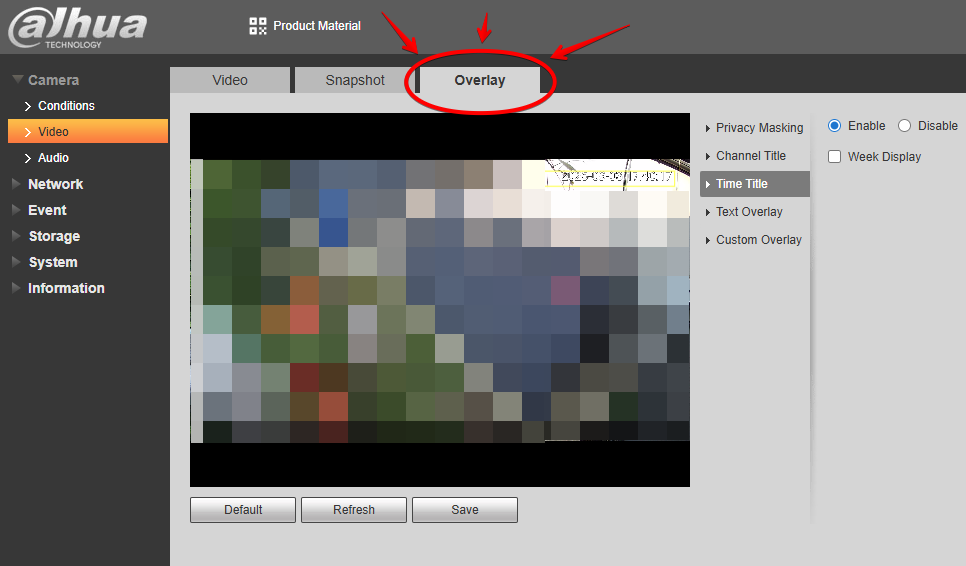
I have DHI-NVR5232-EI with POS functions. As I see it - POS data is actually a metadata, it doesn't "burn" into a video record. So when I try to playback with SmartPSS Lite - it shows me gaps in the full-time recording in the places where POS occured. As I see it, SmartPSS Lite doesn't know a POS type recording, hence the issue. When I try to playback it via NVR's WEB-UI - it shows correctly, but using web-ui is a PAIN. So my question here is the following: can I "burn" POS data into the video, so it will be there simply as a part of the picture, like the Time or Camera Name?
Or simply suggest me a Windows-based tool which correctly shows POS fragments in the recordings.
I have DHI-NVR5232-EI with POS functions. As I see it - POS data is actually a metadata, it doesn't "burn" into a video record. So when I try to playback with SmartPSS Lite - it shows me gaps in the full-time recording in the places where POS occured. As I see it, SmartPSS Lite doesn't know a POS type recording, hence the issue. When I try to playback it via NVR's WEB-UI - it shows correctly, but using web-ui is a PAIN. So my question here is the following: can I "burn" POS data into the video, so it will be there simply as a part of the picture, like the Time or Camera Name?
Or simply suggest me a Windows-based tool which correctly shows POS fragments in the recordings.