A "good" multi-lens for BI?

Killer Kool

Getting the hang of it
Mar 27, 2015
133
4
Do they make a multi-lens camera that works well in BLUE Iris?
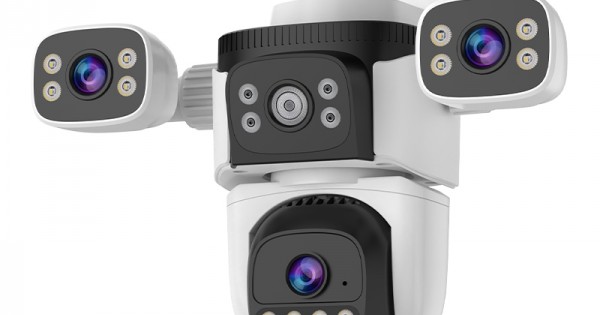
The "China Junk" camera works well to show multiple lenses in the "OKCam" apps, but only 1 lens will stream ONVIF to Blue Iris. The PTZ function works well. The other 2 "lens" (fixed or physically pointable) will not appear in Blue Iris via ONVIF. The "support" says that this is correct.

I like the concept of mounting 1 Camera unit and pointing it in different directions to cover different areas. I don't like the "Dual Lens" units that just give 1 wide-angle image that is basically pointless for ID. Like the cameras from Reolink...
I would think if the Okcam app can bring it to my phone and display all 3, we should be able to dump it into BI?!

I guess I could always just keep mounting 3 different cameras to the same part of the eve like a maniac!?!
 
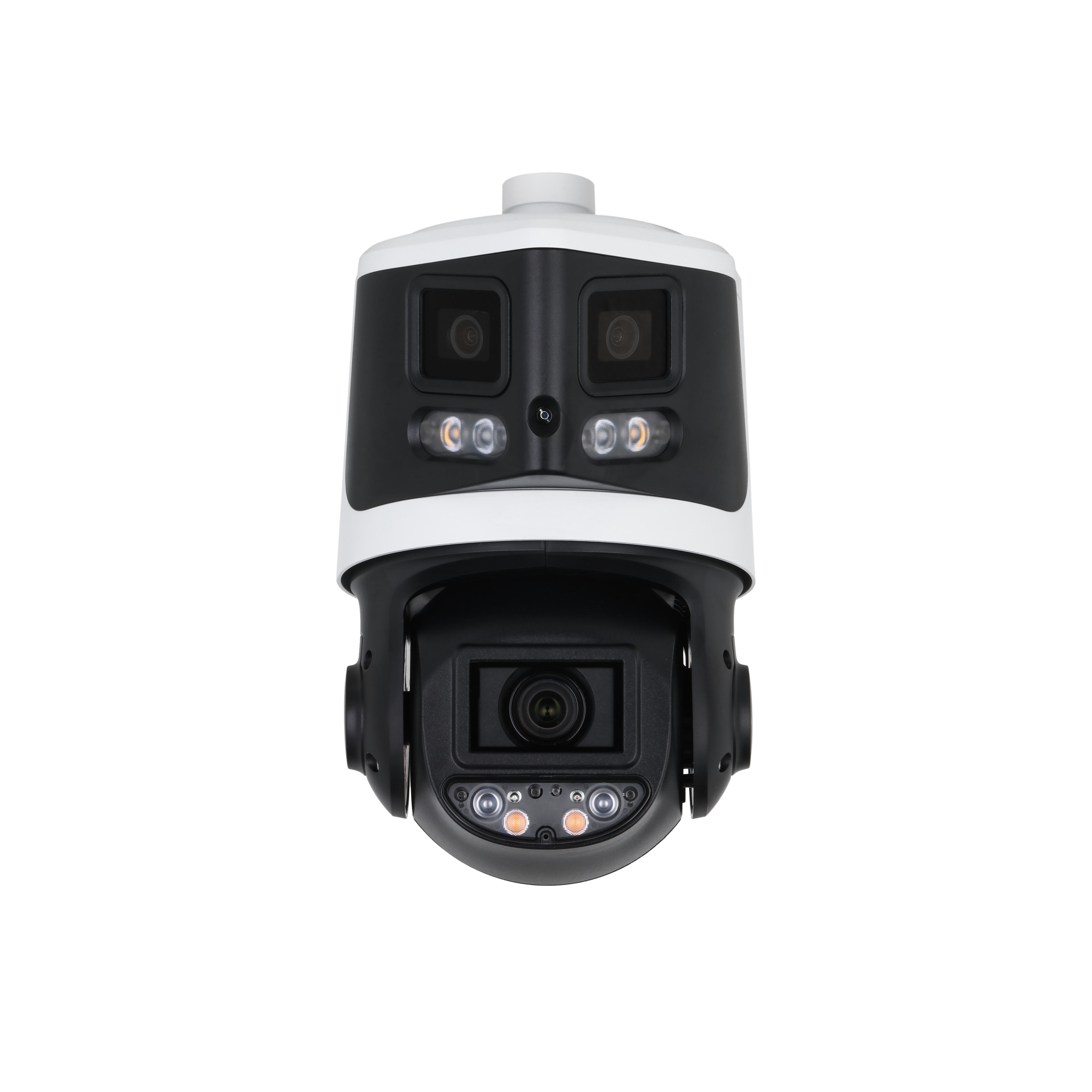
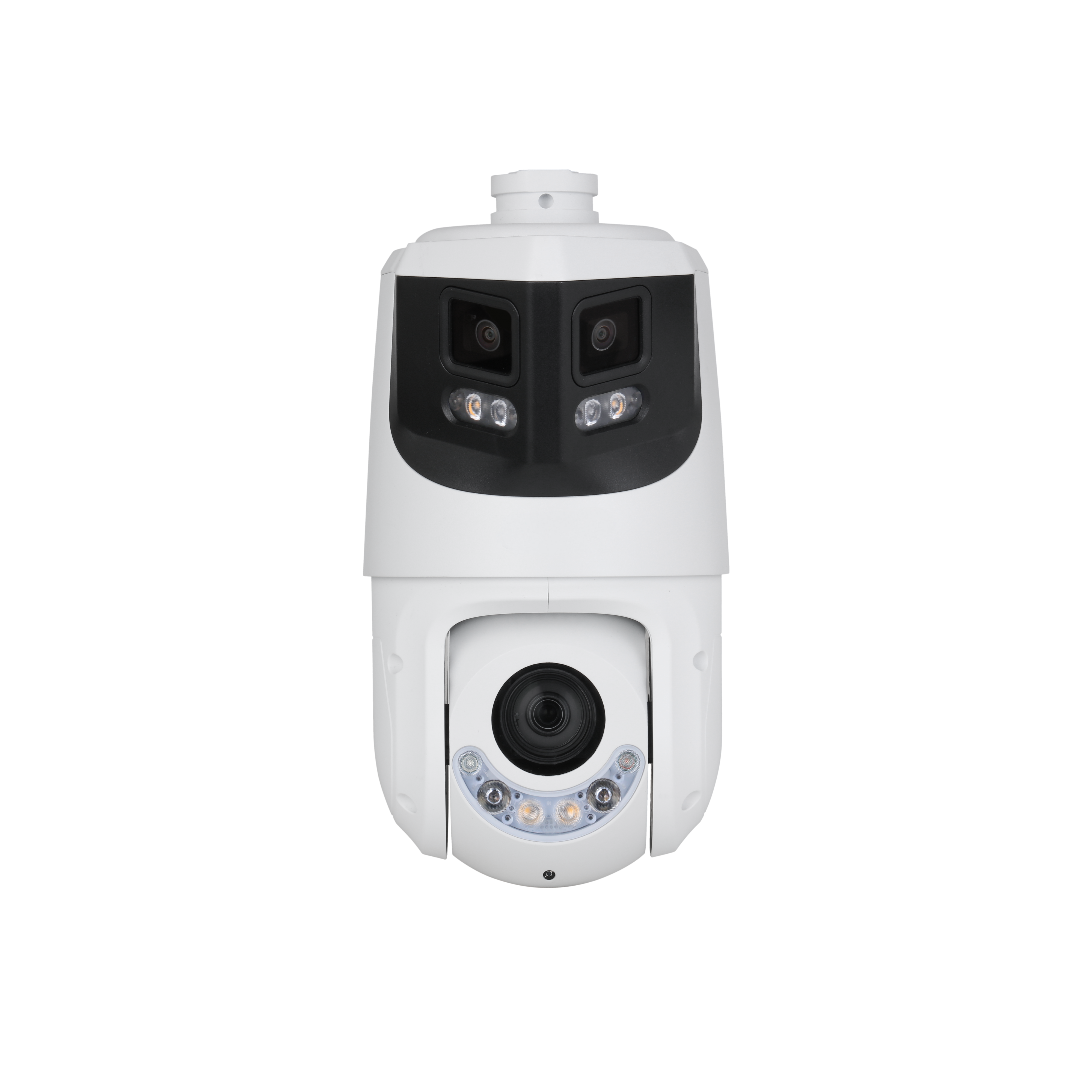
Here are a couple options for a PTZ. Both give you a 180 degree "Dual Lens" panoramic stream in addition to a standard PTZ.

Lower price, worse PTZ performance:

Higher price, better PTZ performance: (more zoom, faster movements, limitless panning, etc)
 
  • Like
Reactions: Flintstone61
Yes vstarcam CS621SR.
main cam is 10554 -10080
/tcp/av0_0 main
/tcp/Av0_1 sub

The other 2 lens (fixed but pointable) , I can not find the open port or the stream that the Vstarcam software does.
1769241437517.png


I would love to access the other 2 lenses, but the support states "NO"- what do you mean by "increase /decrease channels"

Below is a reply from VStarcom support:
Hello,

For the NVR, a maximum of 2 channels can be viewed. If you wanna view all the channels, you can try the OKAM PRO PC client.

Download the following PC client, log in with your mobile app account and password, and any cameras added in the app will be displayed synchronously; please do not add cameras on your computer. Supported systems: Windows 10 and above 64-bit systems.

Hello,

What you mentioned was right. Two channels can be viewed via ONVIF.

Sincerely,


Kara Chen


Customer Support
 
Last edited:
ok i tried main /tcp/av1_0 and /tcp/av2_0 as sub..... Still the same PTZ ball lens.. Both streams come into BI as 2.1mp main 35fps sub .15fps
 
My intent was not for /tcp/av2_0 to be in the sub stream path box. For testing purposes leave the sub stream path blank and only enter things into the main stream path box, otherwise you risk misunderstanding what you're getting because Blue Iris will only show you one stream at a time and you might not know which you are seeing. Also uncheck the "Anamorphic (force size)" box out on Blue Iris's Video tab since that may have been checked when configuring a sub stream originally.

Or just use VLC media player instead of Blue Iris to test RTSP URLs. That may be easier.

I would try many combinations of numbers in the path. The assumption is that the first number may be the channel number and the second number selects the stream (0 = main, 1 = sub stream 1, 2 = sub stream 2, etc.). This is the kind of URL scheme used by most reputable IP camera brands, where channel number and stream number are both specified by numeric digits in the URL. With any luck vstarcam may have something similar going on.

Some examples:
Code:
/tcp/av0_0
/tcp/av1_0
/tcp/av2_0
/tcp/av6_0
/tcp/av01_0
/tcp/av10_0
/tcp/av20_0
/tcp/av4_2
...
You don't need to try every possible combination necessarily. Just enough to figure out the meaning of the digits and discover if the other video channels are in fact accessible through RTSP or not.
 
Ok thanks for working with me.

/tcp/av0_0 ptz ball 2.1mp
/tcp/av1_0 ptz bALL 2.1MP
/tcp/av2_0 PTZ bALL 2.1mP
/tcp/av6_0 ptz bALL 2.1mp
/tcp/av01_0 ptz bALL 2.1mp
/tcp/av10_0 bALL 2.1mp
/tcp/av20_0 ptz bALL 2.1mp
/tcp/av4_2 NONE

/tcp/av4_0 ptz bALL 2.1mp
/tcp/av4_1 ptz ball .1MP So look like _1 is the sub stream or at least low MP
/tcp/av4_2 no feed
/tcp/av0 ptz bALL 2.1mp
/tcp/av1 ptz ball .1MP
/tcp/av2 no feed
/tcp/av2_1 ptz ball .1mp
/tcp/av2_2 No feed
/tcp/av2_0 ptz ball 2.1MP
/tcp/av02_0 ptz ball 2.1MP
/tcp/av3_0 PTZ ball 2.1MP
/tcp/av6666_0 PTZ ball 2.1mp

So how the heck is this coming in?!!

What does the ONVIF source: Do? V_SRC_000 and the CAM# setting in BI?


...
 
The drop-down choices left of the path input just fill the path box with predetermined values Blue Iris discovered by using ONVIF. The value in the path box is what matters, not the drop-down. Anyway, it does seem like they did not make the other two video channels available via RTSP, since no matter what you enter for the first number you only get the same video. :(

The empiretech cams I linked would do all streams correctly but they cost a lot. You might look at annke.com and see if any of their cams look good. They have a whole set of wifi cams with similar pricing and features to that vstarcam. If they use Hikvision as the manufacturer like they do for more expensive PoE cameras, then I'd expect the cheap wifi multi lens ptz cams to work fine with Blue Iris. I just can't guarantee it because I haven't bought any of their Wi-Fi-only cams.
 
  • Like
Reactions: Killer Kool
ok i tried main /tcp/av1_0 and /tcp/av2_0 as main..... Still the same PTZ ball lens..
The drop-down choices left of the path input just fill the path box with predetermined values Blue Iris discovered by using ONVIF. The value in the path box is what matters, not the drop-down. Anyway, it does seem like they did not make the other two video channels available via RTSP, since no matter what you enter for the first number you only get the same video. :(

The empiretech cams I linked would do all streams correctly but they cost a lot. You might look at annke.com and see if any of their cams look good. They have a whole set of wifi cams with similar pricing and features to that vstarcam. If they use Hikvision as the manufacturer like they do for more expensive PoE cameras, then I'd expect the cheap wifi multi lens ptz cams to work fine with Blue Iris. I just can't guarantee it because I haven't bought any of their Wi-Fi-only cams.
ok Thank you so much...Helpful