Lost on Replacement System

LA724

n3wb
May 29, 2025
9
4
I currently have an older 4-channel Luma (HikVision rebrand for SnapAV) system that I am looking to replace. The system has been very reliable but the cameras are 1080p, so zooming in to see anything is fuzzy, I need a 5th exterior camera and the motion detection picks up a leaf blowing, so there is no kind of accurate notifications. I can look at live views or go back and search through the recorded motion events but for all practical purposes it is useless unless I know someone was at the house and I am searching for it specifically.

I have zero interest in tinkering with settings, running a PC with BI, etc. Virtually all of my viewing will be done from my iPhone, so a strong iOS app is a must.

Option 1: I know Andy's cameras are the gold standard for image quality, but not sure the Dahua NVR and DMSS app get me the quality mobile app and accurate (person / car vs. leaf / branch) motion detection I am looking for.

Option 2: SecuritySpy seemed like a good alternative for the NVR/iOS portion but I don't think there is anyone familiar with that ecosystem locally who can help with the setup / ongoing support if needed.

Option 3: The Unifi ecosystem seems to have the NVR/iOS I'm looking for but their cameras leave a lot to be desired. The upside with this is they are continually releasing new products and I can always upgrade the cameras.

Appreciate any help / guidance.
 
  • Like
Reactions: mat200
Digital zooming only works in TV and the movies. We get so many threads of here people upset their digital zoom results in pixel mess.

An OPTICALLY zoomed 1080p camera for an object at 100 feet will beat a DIGITALLY zoomed 4MP or 8MP 3.6mm focal length all day long.

You need a camera with the proper focal length for the distance you want covered. In many instances it means more cameras. Or accept the limitations.

Here is a thread that discusses that in more detail.

The Dahua/Andy cams with IVS will be more than accurate for your needs. Most here rarely get false triggers.

The true test....I have found the AI of the cameras to work even in a freakin blizzard....imagine how much a camera using only motion detection would be triggering! My non-AI cams in BI were triggering all night. This picture was ran through AI (without the IVS or red lines on it) and it failed to recognize a person in the picture, but the camera AI did. This pic says it all and the video had the red box over it even in complete white out on the screen:

1679354257954.png


See this thread on how using just Dahua AI may be sufficient for your needs (and other cameras with AI would perform similar):

Who uses Dahua AI capable cameras? Reliable AI for triggering events? Pro's/con's?


You are right on SecuritySpy with support.

Unify is expensive and it has been proven they are not as good quality and detection as the cheaper Andy cams.
 
Wittaj is spot on. (He always is). Furthermore, when you increase the resolution, you decrease the camera's low/no light performance. This is because putting more pixels on the same size image sensor requires that you make each pixel smaller. Smaller pixels absorb less light than larger pixels. So getting cameras with higher resolution will only result in even worse low/no light performance (which is when most illegal activity occurs).

This is why it is so critical to think about your goals and camera placements. You need to make the camera's lens/focal length and resolution to the actual situation you are trying to capture. A "wide angle" camera is rarely beneficial for providing enough detail to identify a stranger. They work well for general "overview" cameras, but you better have cameras with a narrow field of view that captures the important parts of your property if you expect to have any real usable footage for police/court use.
 
Digital zooming only works in TV and the movies. We get so many threads of here people upset their digital zoom results in pixel mess.

An OPTICALLY zoomed 1080p camera for an object at 100 feet will beat a DIGITALLY zoomed 4MP or 8MP 3.6mm focal length all day long.

You need a camera with the proper focal length for the distance you want covered. In many instances it means more cameras. Or accept the limitations.

Here is a thread that discusses that in more detail.

The Dahua/Andy cams with IVS will be more than accurate for your needs. Most here rarely get false triggers.

The true test....I have found the AI of the cameras to work even in a freakin blizzard....imagine how much a camera using only motion detection would be triggering! My non-AI cams in BI were triggering all night. This picture was ran through AI (without the IVS or red lines on it) and it failed to recognize a person in the picture, but the camera AI did. This pic says it all and the video had the red box over it even in complete white out on the screen:

1679354257954.png


See this thread on how using just Dahua AI may be sufficient for your needs (and other cameras with AI would perform similar):

Who uses Dahua AI capable cameras? Reliable AI for triggering events? Pro's/con's?


You are right on SecuritySpy with support.

Unify is expensive and it has been proven they are not as good quality and detection as the cheaper Andy cams.

Thank you very much. So it sounds like Andy's cameras along with "his" NVR would provide good enough AI processing to limit false notifications and the DMSS app is user friendly enough to do what I need?

The point about optically vs digitally zoomed is good. These cameras will basically cover the 5 corners of the house, so having a wide field of view is important but also being able to zoom in when needed with some level of clarity is nice. Is there any reason not to go with one of these vari-focal options if that is the case?


  • Like
Reactions: mat200
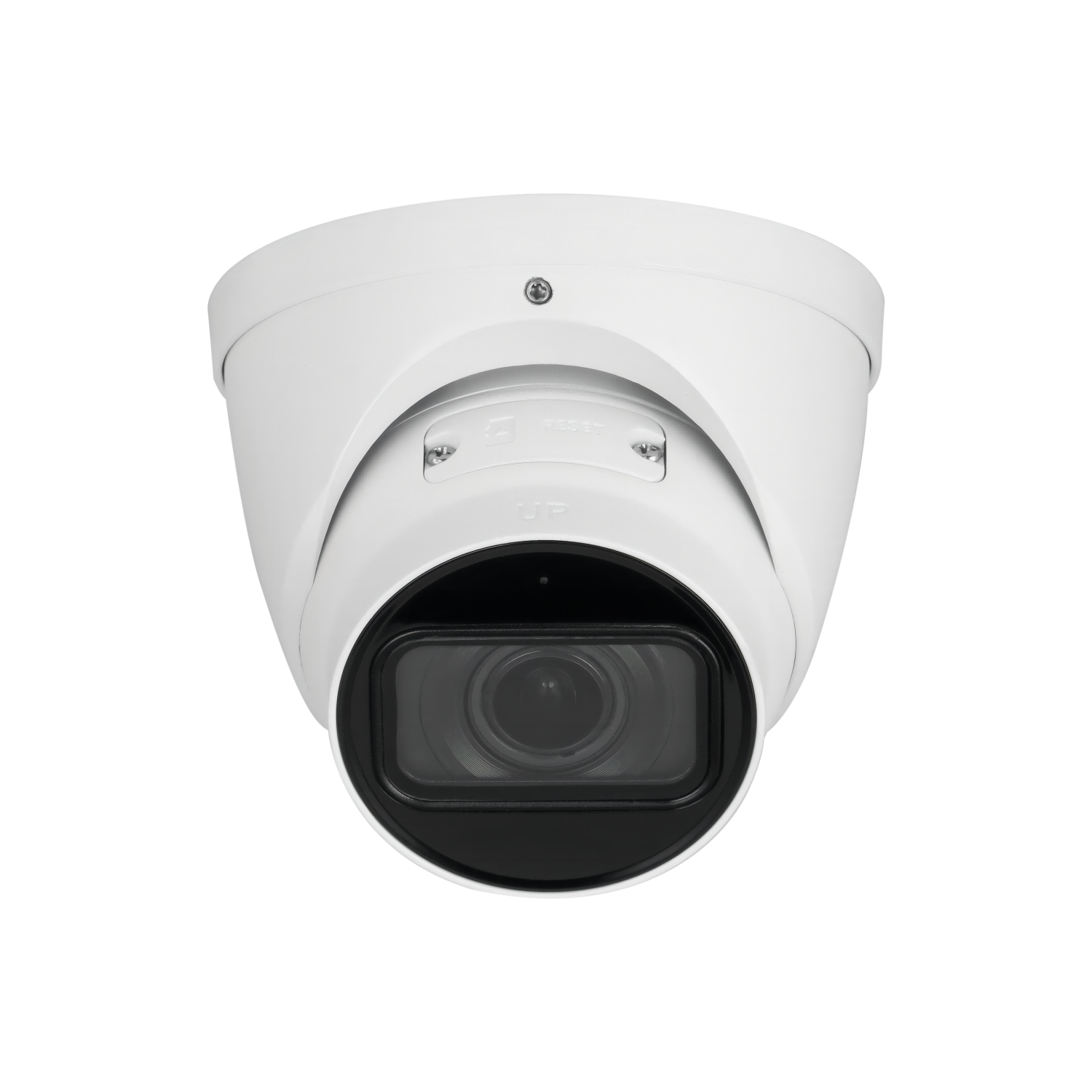
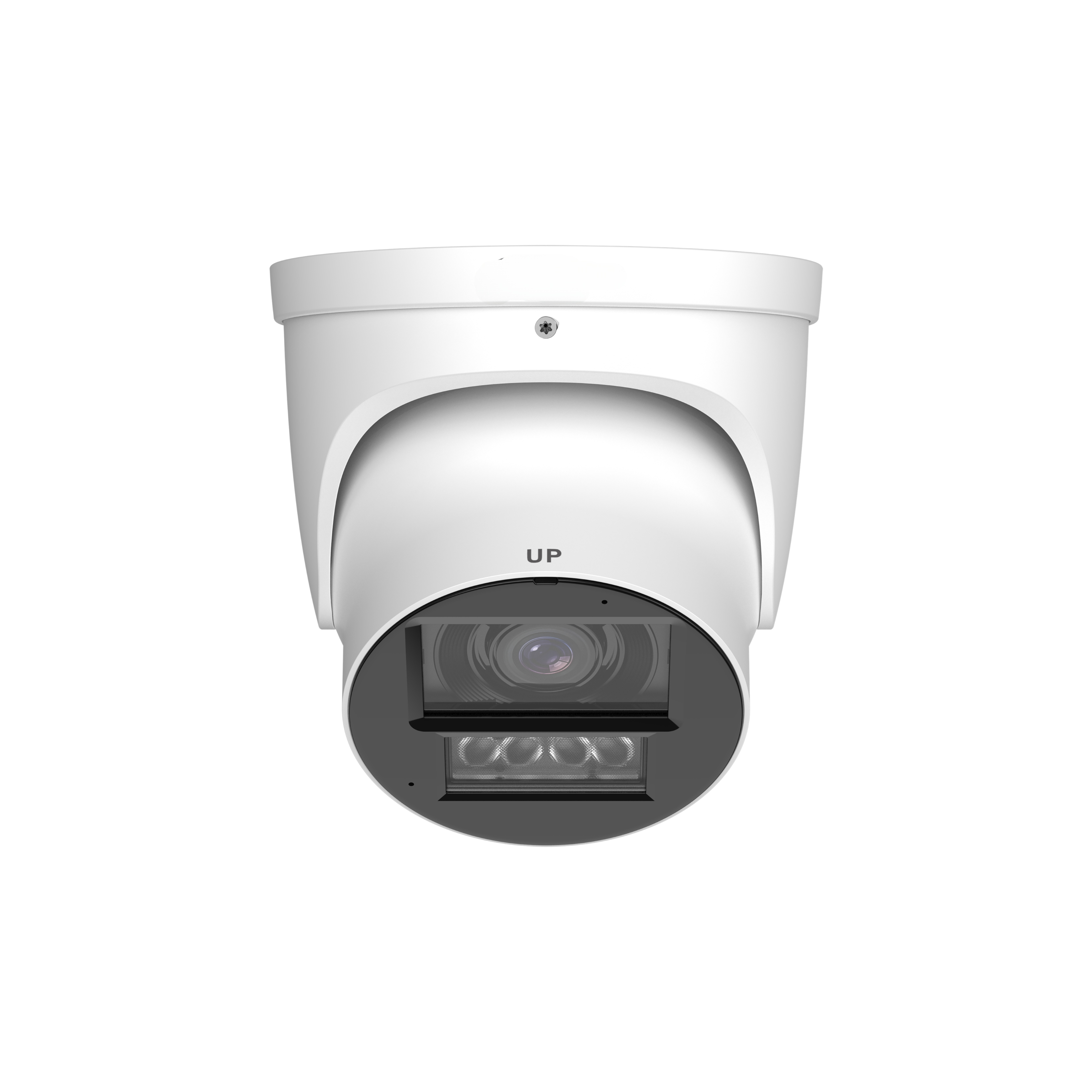
Those varifocal cameras are the go to camera, but they are a set it and forgot it. They are intended to allow customization of focal length with one camera. Plus the likelihood if you used it as a zoom camera that the focal point of interest would be in the field of view would be remote since you can't move up or down or left or right from the app or computer. It only moves that way manually.

If you want the ability to zoom in and move around you need a PTZ.
 
  • Like
Reactions: mat200
Thank you very much. So it sounds like Andy's cameras along with "his" NVR would provide good enough AI processing to limit false notifications and the DMSS app is user friendly enough to do what I need?

The point about optically vs digitally zoomed is good. These cameras will basically cover the 5 corners of the house, so having a wide field of view is important but also being able to zoom in when needed with some level of clarity is nice. Is there any reason not to go with one of these vari-focal options if that is the case?


Welcome @LA724

The cameras members have reviewed and recommended are good.

Do remember that Dahua and others are increasing prices soon ( if not already ) due to higher ram prices .. so if on a tight budget you may want to order sooner

Dahua software, not certain how well the iOS support is .. if going with there NVR setup, you may want to double check what other iOS users are doing.
Perhaps one option is to send the rtsp stream to the NVR and another to a home automatic appliance that supports iOS well .. I'm honestly not too certain on this as I have not kept up with the members who have been using iOS apps for viewing.
 
Those varifocal cameras are the go to camera, but they are a set it and forgot it. They are intended to allow customization of focal length with one camera. Plus the likelihood if you used it as a zoom camera that the focal point of interest would be in the field of view would be remote since you can't move up or down or left or right from the app or computer. It only moves that way manually.

If you want the ability to zoom in and move around you need a PTZ.

Ahh, so you can't adjust the focal length from the app for individual cameras? So if I opened camera 3 and saw something I wanted to focus on, I couldn't zoom in assuming it is in the centered field of view?

I guess if that is the case, one of these makes more sense since my default would be to keep it at the widest fov. It doesn't seem like any of the PTZ cameras are in a small enough form factor to blend in with the soffit of a house.


Ahh, so you can't adjust the focal length from the app for individual cameras? So if I opened camera 3 and saw something I wanted to focus on, I couldn't zoom in assuming it is in the centered field of view?

I guess if that is the case, one of these makes more sense since my default would be to keep it at the widest fov. It doesn't seem like any of the PTZ cameras are in a small enough form factor to blend in with the soffit of a house.


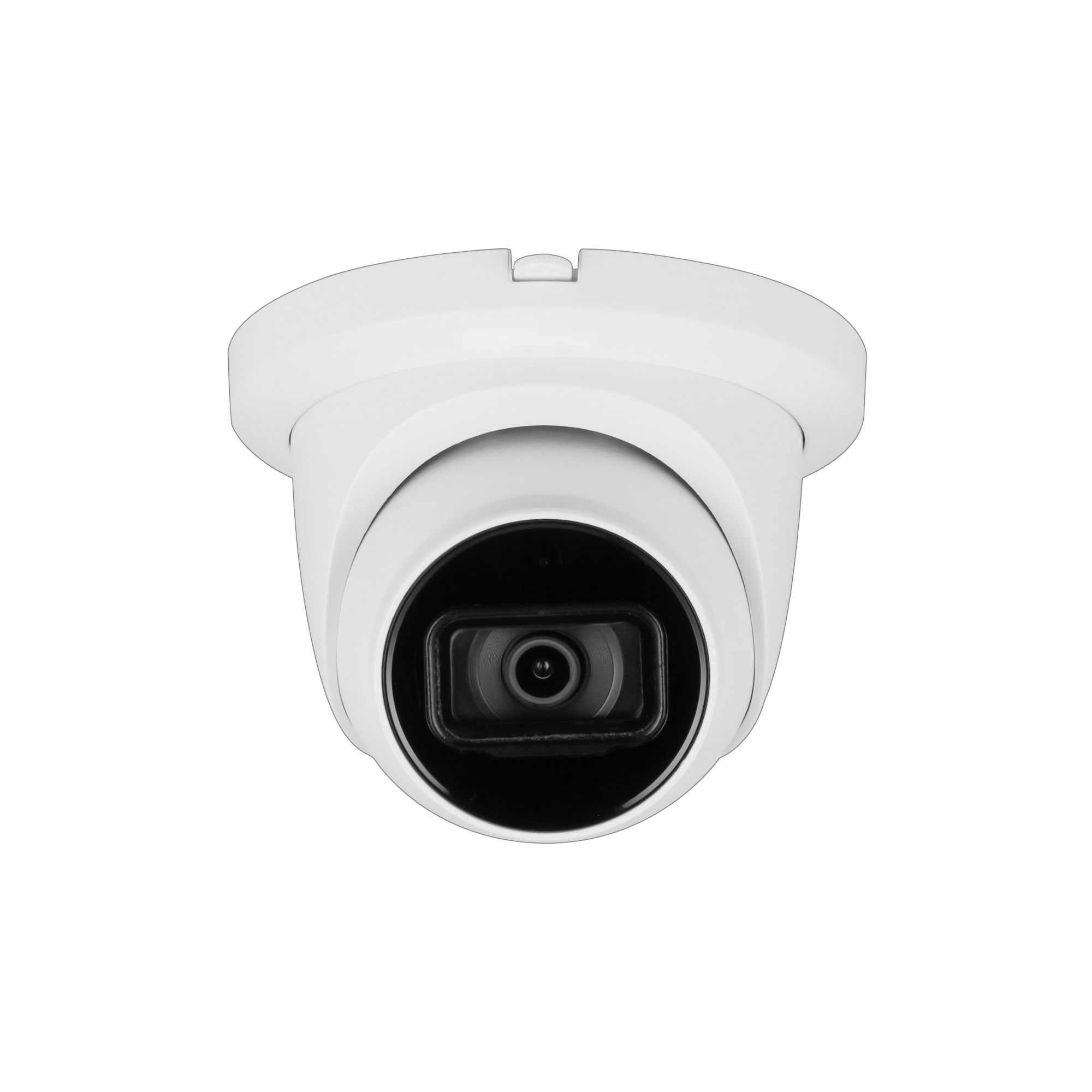
Fixed lens cameras, capture a fixed FOV and resolution.

You can "zoom" into the picture as much as you want, but the image quality remains as originally captured.

A Varifocal camera ( non-PTZ ) you can move the lens so that the FOV gets narrower or wider for a fixed resolution, AND if you do this live you can zoom in or zoom to the limit of the camera.
The point is that you can do this, but honestly it really is designed to set the FOV you want and leave it that way. ( example a camera that can adjust from 2.7–12mm lens )

If you want to LIVE zoom in and out, as well as Pan and Tilt you want a PTZ camera. AND yes, a good outdoor rated PTZ cameras tend to be rather large.

Look at the DORI section of the cliff notes, what you really want is ENOUGH pixels on target to get what you want.