
OK, I can't figure out how I did this, or how to undo it. Probably something simple, I'm just not seeing.
This is on the BI console, not the web ui. Oops edit to add version 6.0.1.13
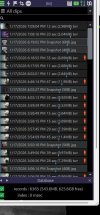
This is on the BI console, not the web ui. Oops edit to add version 6.0.1.13

